Finding 01 · Contact route
A call link led
to an inactive event.
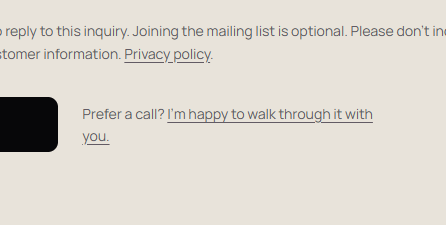
Priority · Repair firstObserved: the form offered a conversation, but its link opened a Calendly page stating “This Calendly URL is not valid.” The failure was still visible on September 14.
Why it matters: a visitor choosing that route cannot arrange a call there. This is a verified broken path; it does not tell us how many people tried it or what revenue was affected.
- Recommended change
- Replace the inactive destination with an email link clearly labeled “Email me to arrange a call.” Use a calendar again only after the intended event and availability have been checked.
- How to verify
- Check every public call link. Confirm the email route opens the correct address and subject. If using a calendar, verify the full intended booking flow through confirmation with an authorized test.